Why Your Phone Overheats While Gaming (And How to Actually Fix It)
What Apple, Google and Samsung say actually happens when a phone gets hot mid-game, why charging makes it worse, and the fixes that cut heat at the source.
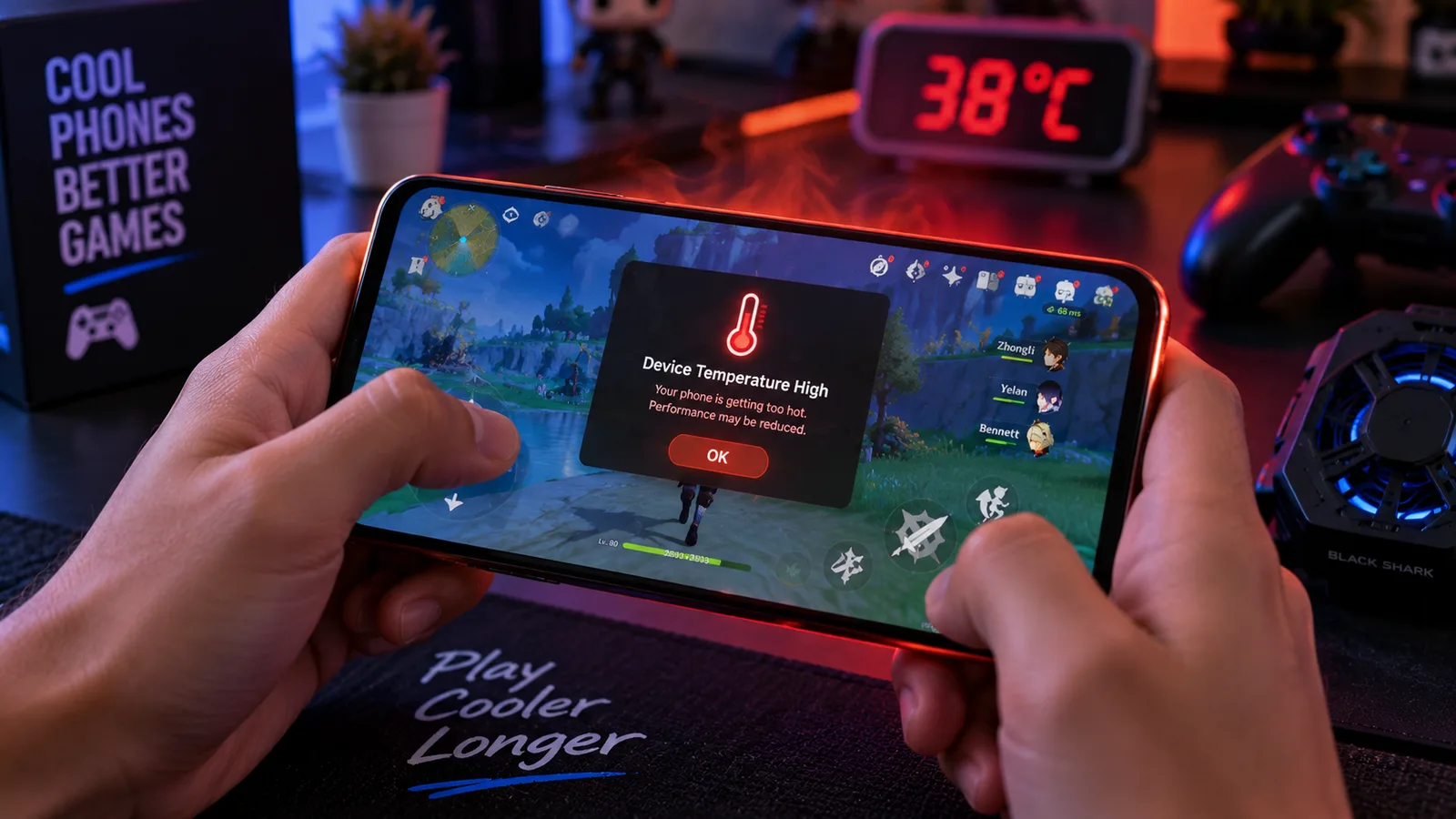
Your game runs smoothly for ten minutes, then the frame rate drops, the screen dims and the back of the phone gets hot. That isn't a broken phone; it's the phone protecting itself. This guide uses what Apple, Google and Samsung publish about heat to explain what's happening, which habits make it worse, and which fixes reduce the heat instead of just delaying the slowdown.
The numbers:
- 32 to 95°F (0 to 35°C) is the ambient temperature range Apple says iPhones are designed for. A hot room, a car or direct sun eats into that margin before you open a game.
- Lower frame rates are one of the protections Apple lists when an iPhone runs hot. Google lists reduced CPU performance for Pixel phones. The stutter is deliberate.
- Gaming while charging is called out by Google as a heat source, and Samsung tells Galaxy owners to avoid using the phone while it charges.
We compared manufacturer support pages; no phone was tested in person for this guide.
Why phones heat up during games
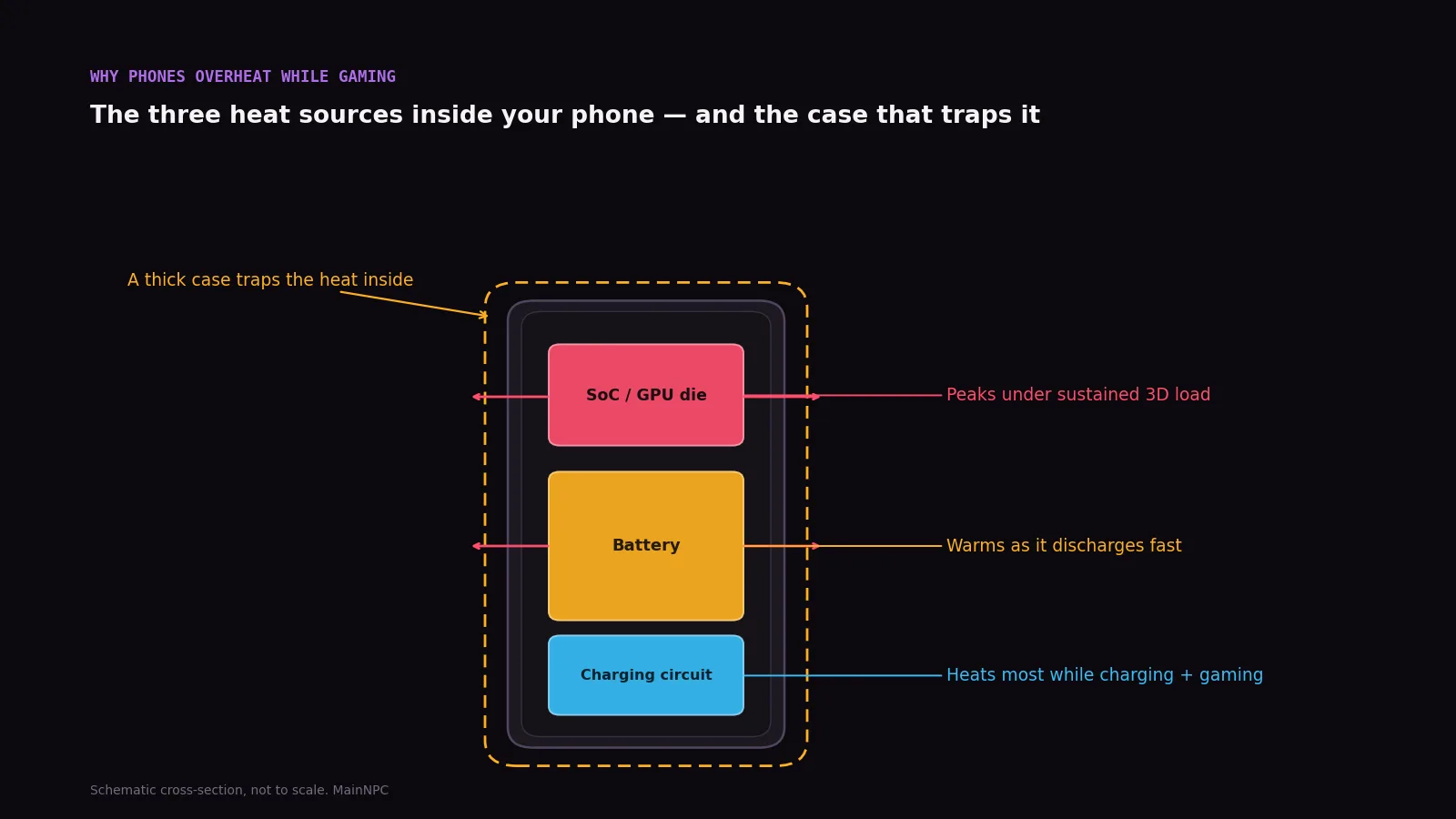
A gaming PC moves heat with heatsinks and fans. A phone has to shed it through its own body. A 3D game asks the chip for sustained work for as long as you play, and the heat builds faster than the phone can lose it. Google lists playing games among the things that make a Pixel warm, along with doing them while charging. Samsung's advice for Galaxy phones is to avoid playing graphic-intensive games for long periods.
Mobile MMOs with big open worlds are a typical trigger. For example, one visible Google Play review of Soul Land: Awakening World reports the game overheating a Snapdragon phone; we cover that report in our Soul Land: Awakening World review. The causes and fixes below apply to any demanding game, not only that one.
What your phone does when it gets too hot
Each maker publishes its own list of protections. They overlap more than they differ.
| What happens | iPhone (Apple) | Pixel (Google) | Galaxy (Samsung) |
|---|---|---|---|
| Performance drops | Lower frame rates, reduced performance | Reduced CPU performance | Advises against long graphic-intensive sessions |
| Charging slows or stops | Yes | Reduced charging speed | Notes device and charger both heat up while charging |
| Display | Dims or goes black | — | Advises against maximum brightness |
| Connectivity | Weaker cellular signal | Mobile data or Wi-Fi partly or fully off | Advises turning off unused Wi-Fi, GPS, Bluetooth |
| Last resort | Temperature warning | Warning, low power mode, shutdown | Contact support if overheating persists |
Sources: Apple Support, Pixel Phone Help, Samsung Support (Galaxy overheating page updated Nov 15, 2023). Checked Oct 6, 2026.
The takeaway: the slowdown is a safety system, and none of the three makers gives you a way around it. The real fixes reduce how much heat the game produces, or help the phone get rid of it.
Real fixes, ranked
| Fix | Why it works | What the makers say |
|---|---|---|
| 1. Unplug before you play | Charging and gaming are two heat sources at once | Google: games, and doing them while charging, warm a Pixel; Samsung: avoid using the phone while charging |
| 2. Lower graphics and frame rate | Less work for the chip means less heat | Apple lists lower frame rates as its own heat response |
| 3. Lower screen brightness | The display is a heat source too | Google and Samsung both advise lower brightness |
| 4. Close background apps, turn off unused radios | Less extra work for the chip | Samsung: close unused apps, turn off unused Wi-Fi, GPS, Bluetooth; Google: prefer Wi-Fi to mobile data |
| 5. Get out of the heat | A warmer room leaves less margin | Apple: 32 to 95°F (0 to 35°C); Apple and Google: avoid hot cars and direct sun |
| 6. Use the right case | A case can trap heat | Google: use cases made for your specific phone |
| 7. Stop and let it cool | The only fix once it's already hot | Google: unplug, move somewhere cooler, don't use it until it cools |
1. Unplug before you play. If the battery is low, charge first and play after, or accept a shorter session. Charging during a heavy game is the habit Google and Samsung both flag.
2. Drop one graphics notch or cap the frame rate. Most demanding mobile games include a quality preset and a frame rate setting. Choosing the lower option means the chip does less work per second, which is the source of the heat.
3. Turn the brightness down. Google and Samsung both list high brightness among the things to avoid when a phone runs warm.
4. Clear the background. Close apps you aren't using and switch off radios you don't need. Samsung suggests Power Saving's option to put unused apps to sleep. On a Pixel, Google suggests Wi-Fi rather than mobile data where possible.
5. Move the session, not just the phone. Apple designs iPhones for ambient temperatures of 32 to 95°F (0 to 35°C), and both Apple and Google warn against hot cars and direct sunlight. A shaded, cooler room gives the phone more margin before it throttles.
6. Check the case. Google's advice is to use only cases made for your exact phone. If your phone runs hot in a thick case during long sessions, take it off while you play and put it back after.
7. Once it's hot, stop. Google's instructions for an overheating Pixel: disconnect it from power, move it somewhere cooler, and don't use it until it has cooled down.
Safety line: a phone that shuts itself down, shows a temperature warning every session, or has a swollen battery needs service, not a settings tweak. Samsung says persistent overheating warrants contacting support or a service center.
What about phone coolers?
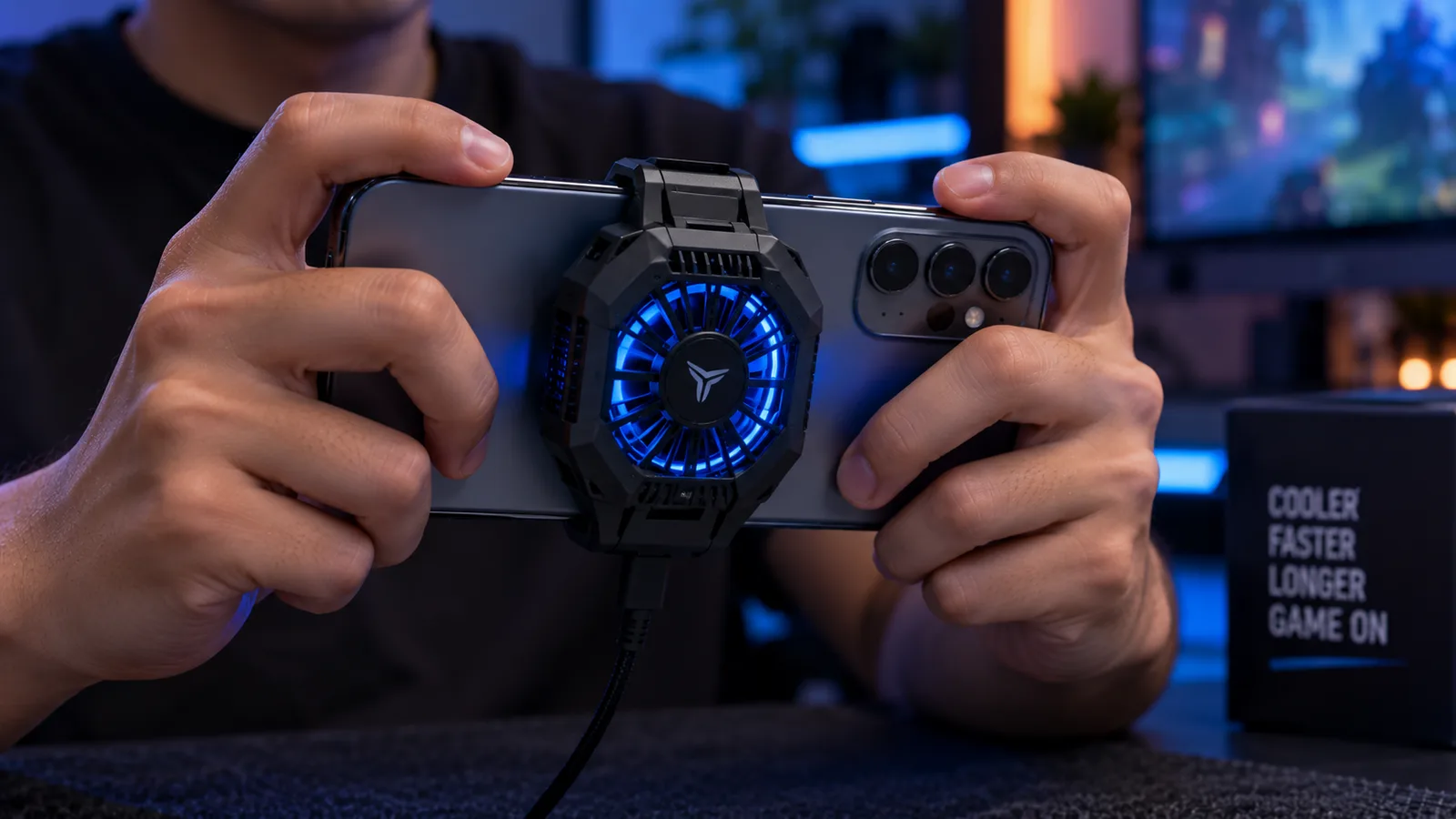
Clip-on fans and magnetic coolers move heat off the back of the phone. They don't reduce what the chip produces, and they add another device to power and carry. Try fixes 1 to 4 first: they cost nothing. If a game still throttles after that on every long session, a cooler can help you keep playing, but it treats the symptom.
Skip it if you mostly play turn-based or short-session games. Those rarely sustain the load that triggers throttling in the first place.
If long sessions are your main way to play, the honest long-term fix may be a different device. A desktop with fans doesn't have this problem; see what a budget gaming PC costs at October 2026 prices.
Our pick by profile: small budget, fixes 1 to 4, which cost nothing; long sessions on mobile, the same fixes plus breaks to let the phone cool; you already own a PC, play the PC version if the game has one.

FAQ
Is my phone broken if it overheats while gaming?
Why does my game lag after 10 or 15 minutes?
Is it bad to play games while charging?
Should I take my phone case off while gaming?
What temperature is too hot to game on a phone?
Do phone coolers work?
Sources
- If your iPhone or iPad gets too hot or too cold — Apple Support
- Help keep your Pixel phone from feeling too warm or hot — Pixel Phone Help
- How to prevent the overheating of your Galaxy device — Samsung Support
- Soul Land: Awakening World — Google Play (US)
Checked by the MainNPC editorial team as of OCT 6, 2026. Found an error? Tell us.

Juno Hale is the pen name of MainNPC's setups desk. Setup guides compare published specs, load ratings and dated US prices from manufacturers and retailers, and flag the safety limits that build videos skip. Some links may be affiliate links; see our Affiliate Disclosure. How we research →