Wall-Mounted Gaming Rig Setup Guide 2026: Mounts, Studs and Weight Limits
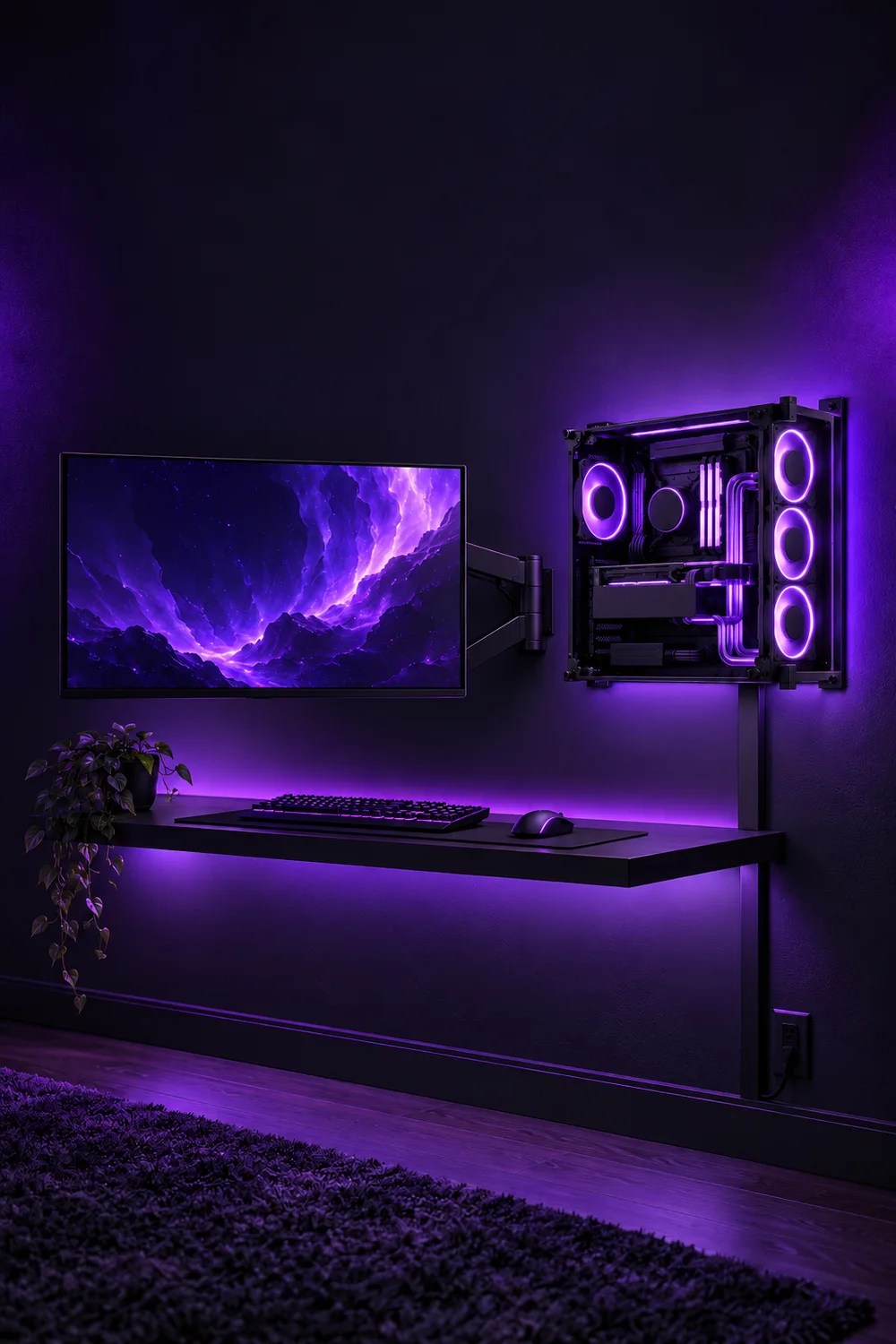
The after photo hides the hard part. Three numbers decide whether a wall-mounted rig stays up: what your PC weighs, what the mount is rated for, and what is behind the drywall.
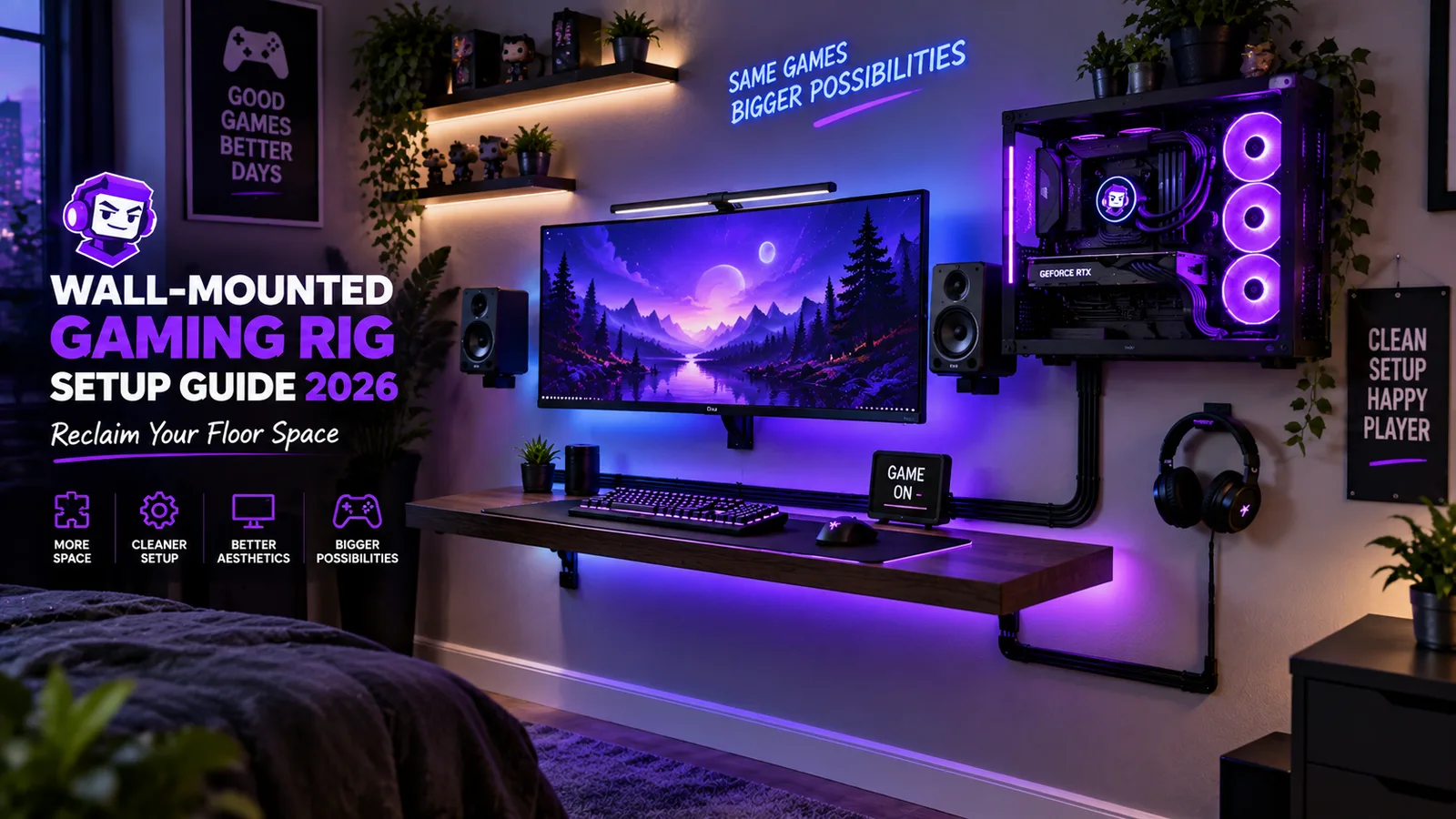
A wall-mounted rig looks clean in photos, but the wall does the real work. Before you buy a single bracket, you need three numbers: what your PC weighs fully built, what the mount is rated for, and what is actually behind your drywall. Most build photos skip all three. This guide doesn't.
The numbers:
- 22 lbs (10 kg) is the rated capacity of VIVO's $29.99 strap-style PC wall mount (MOUNT-PC03V).
- 39.33 lbs (17.84 kg) is what Thermaltake lists for its wall-mountable Core P6 TG case, empty, before a single part goes in.
- 16 or 24 inches (41 or 61 cm) is the usual spacing between wall studs, center to center, according to The Home Depot.
Price check (Oct 2026): mount prices below come from VIVO's US store on October 6, 2026. Prices change; check before buying. We compared published specs and load ratings; nothing here was installed or tested by MainNPC.
Options compared
| Hardware | Price | Rated load | Fits | Wall type listed |
|---|---|---|---|---|
| VIVO MOUNT-PC03V (PC strap mount) | $29.99 | 22 lbs (10 kg) | Cases 4.8 to 8.3 in (12.2 to 21.1 cm) wide | "Wall or sturdy vertical surface" |
| VIVO MOUNT-V001G (articulating monitor arm) | $39.99 | 4.4 to 19.8 lbs (2 to 9 kg) | 17 to 32 in screens, VESA 75/100 | Wood, concrete or brick |
| VIVO MOUNT-VW01M (ultrawide wall mount) | $24.99 (reg. $29.99) | 44 lbs (20 kg) | 13 to 49 in screens, VESA 75/100 | Wood, concrete or brick |
| Thermaltake Core P6 TG (wall-mountable case) | Not listed on Thermaltake's page | — | Mini-ITX to CEB boards, GPUs up to 458 mm (18 in) | Case supports wall-mounted placement |
Sources: VIVO US product pages and Thermaltake's Core P6 TG spec page, checked Oct 6, 2026.
A monitor arm plus a PC strap mount lands between $54.98 (ultrawide mount + PC mount) and $69.98 (articulating arm + PC mount) in hardware, before anchors, raceway or a backer board.
Step 1: Split the monitor job from the PC job
These are two different problems with two different risk levels.
The monitor is the easy half. It bolts to a VESA pattern, and both VIVO wall mounts above take 75 x 75 mm and 100 x 100 mm patterns. Check two numbers on your monitor's spec sheet: its VESA pattern and its weight without the stand. An articulating arm like the V001G is rated from 4.4 to 19.8 lbs (2 to 9 kg) and reaches up to 20.5 in (52 cm) from the wall, which means leverage on the wall plate every time you pull it.
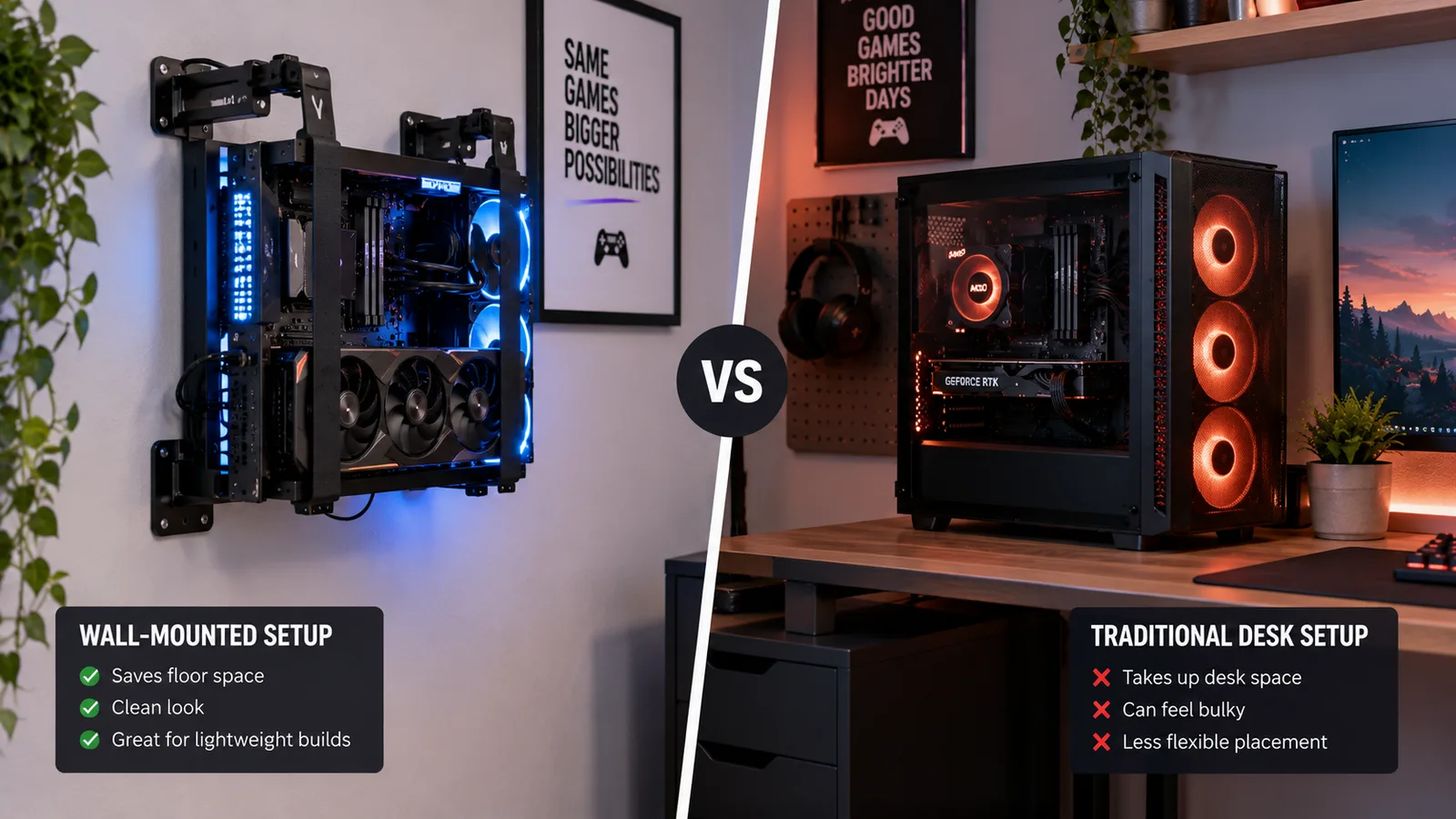
The PC is the hard half. A strap mount like the MOUNT-PC03V holds a case between 4.8 and 8.3 in (12.2 to 21.1 cm) wide, up to 22 lbs (10 kg). That rules out a lot of towers on width alone. A purpose-built wall case such as the Thermaltake Core P6 TG is a different category: it's 10 in (255 mm) wide and weighs 39.33 lbs (17.84 kg) empty, so its mounting has to be planned like a heavy shelf, not like a picture frame.
Step 2: Weigh your PC, don't guess
Spec sheets give you the empty case weight. You need the built weight: case, motherboard, GPU, cooler, drives and power supply.
- Stand on a bathroom scale and note your weight.
- Pick up the PC and step on again.
- Subtract. That's the number to compare with the mount's rating.
Safety line: if the built weight is anywhere near the mount's rating, the mount is too small. Leave margin for the cables pulling on it and for the day you bump it.
Step 3: Find out what's behind the wall
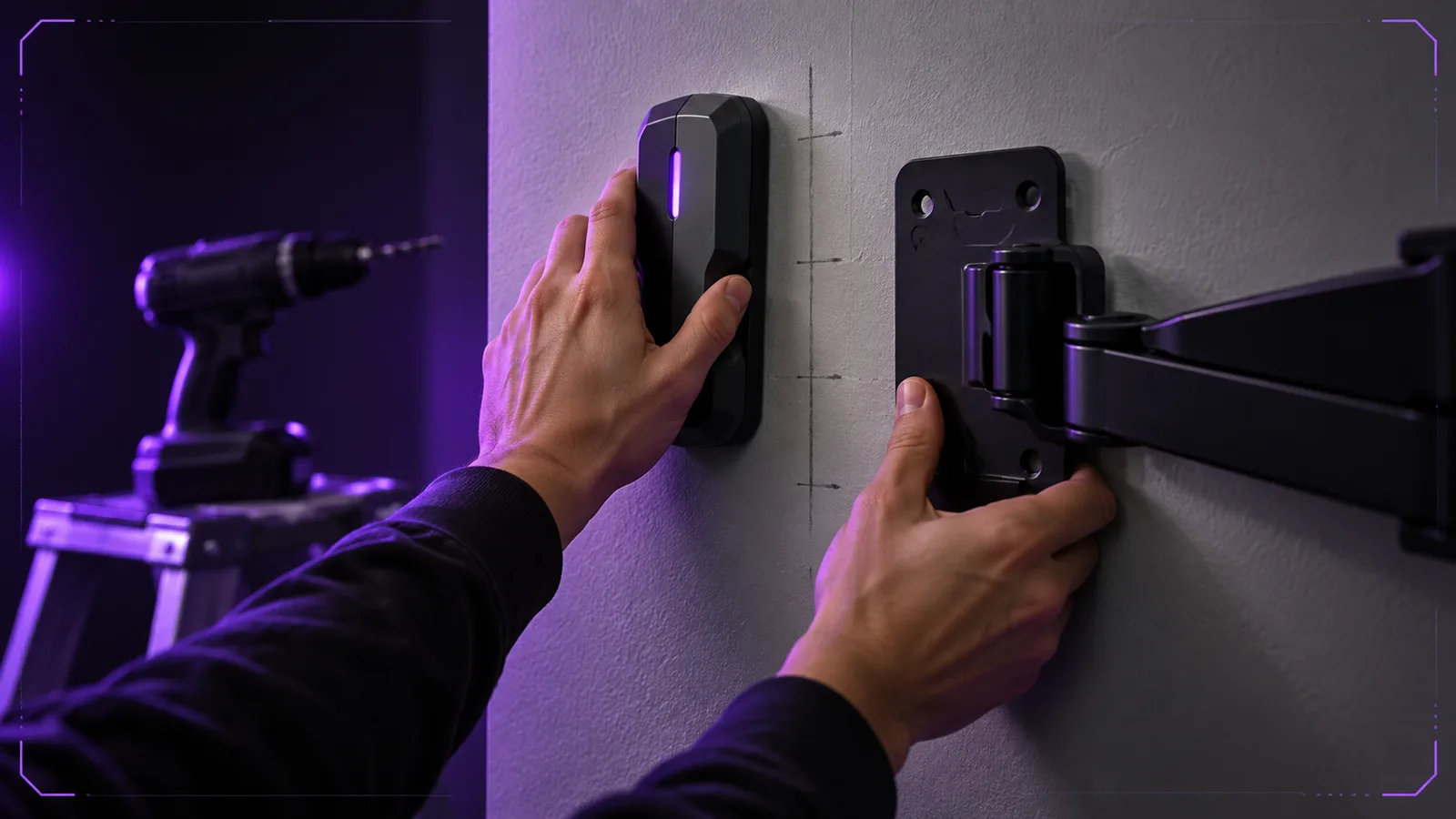
- Wood studs. Studs usually sit 16 or 24 inches (41 or 61 cm) apart, center to center, and 16 is the most common, according to The Home Depot. Use a stud finder, mark both edges, and fasten the mount into the stud. VIVO's MOUNT-PC03V manual is explicit: "DO NOT INSTALL INTO DRYWALL ALONE… USE WOOD STUDS IN ADDITION TO DRYWALL ANCHORS" (manual PDF). The same manual also shows a drywall-only option; we follow the warning, not the option.
- Concrete or brick. VIVO lists both of its monitor mounts as compatible with concrete and brick walls. Use masonry anchors rated for the load and follow the mount's instructions for drill size and depth.
- Drywall only, no stud where you need it. Don't hang a PC or an articulating arm on drywall alone. The usual fix is a backer board: a plank screwed across two studs, with the mount attached to the board.
- Metal studs. These need hardware made for metal studs. Check the mount's manual or ask the manufacturer before drilling.
Safety line: a bracket's rating assumes it is screwed into a stud or a rated anchor. Drywall alone is not a mounting surface for a PC tower. If the stud finder disagrees with you, the stud finder wins.
Step 4: Route the cables, and keep power cords out of the wall
The setup only looks clean if the cables do.
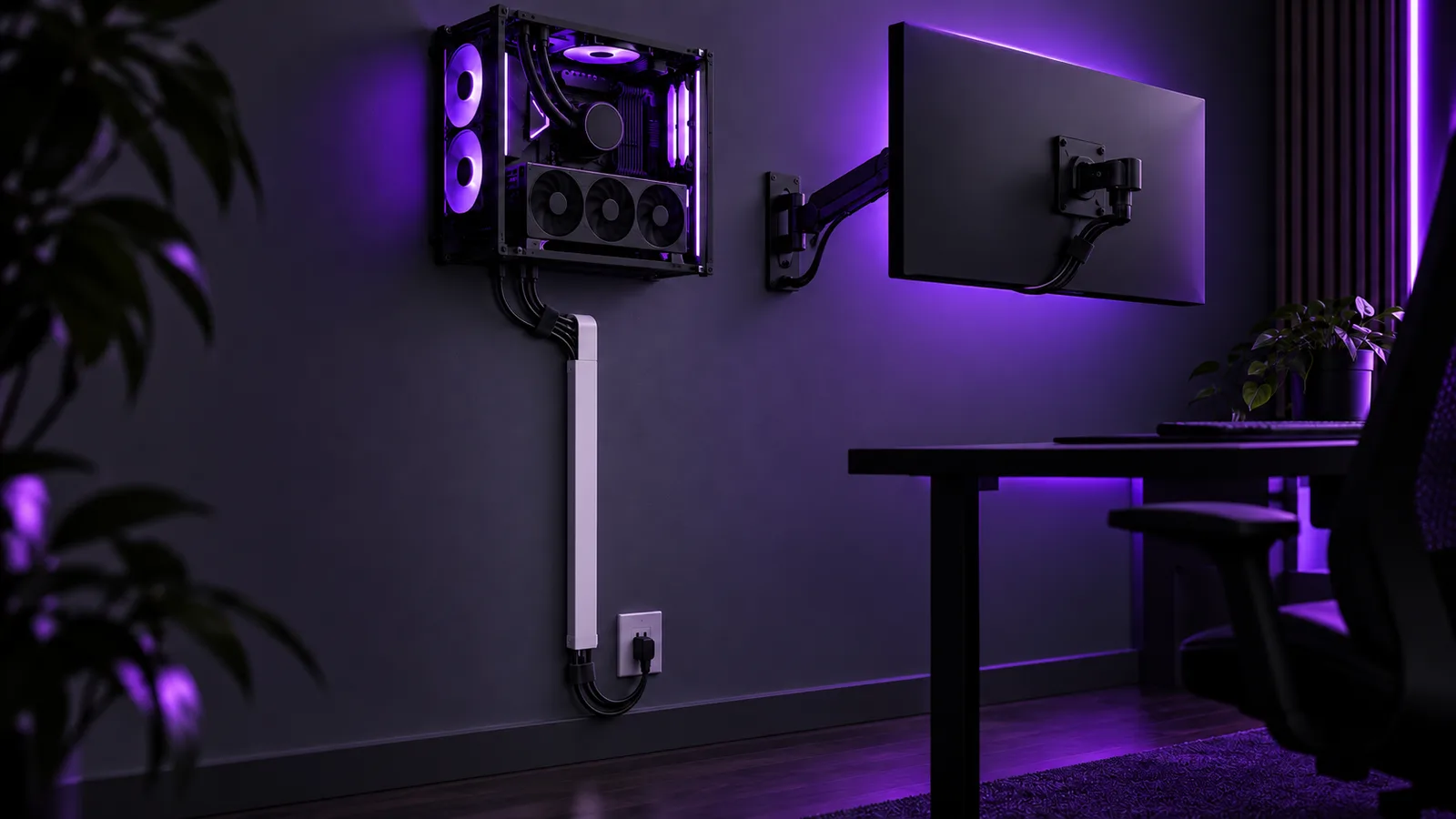
- Plan one cable path from PC and monitor down to the outlet, before you drill.
- Use surface raceway on the wall face to hide the run. It can usually be painted to match the wall.
- Leave slack at both ends. You'll unmount the PC for upgrades and cleaning, and a cable pulled tight fails first.
- Don't push power cords through the wall. NEC section 400.12 says flexible cords, extension cords and power-supply cords are not permitted to run through holes in walls, ceilings or floors (as quoted by EC&M). If you want power hidden behind the wall, that's a job for an electrician and in-wall rated wiring.
Step 5: Check the space math
Wall mounting frees floor space and desk depth. If the desk itself is the problem, compare modular desk systems compared on price before you drill. And if you're still choosing the PC, smaller and lighter is easier to mount: our parts lists for a budget build use a micro-ATX case listed at 210 mm (8.3 in) wide, right at the strap mount's width limit.
Skip it if
- Your lease bans drilling, or you can't find studs or solid masonry where the rig needs to go.
- Your built PC is wider than 8.3 in (21.1 cm) or heavier than 22 lbs (10 kg) and you don't want to buy a purpose-built wall case and plan its mounting properly.
- You upgrade parts often. Every upgrade means unmounting the PC.
- You want it only for the look. A wall-hung PC still needs dusting and cleaning; it's just harder to reach.
Our pick by profile: small budget, an ultrawide-capable wall mount for the monitor only ($24.99) and keep the PC on the floor; small space, monitor arm plus a strap mount for a narrow, light case ($69.98); heavy tower, don't wall-mount it without a purpose-built case and a backer board across studs.
FAQ
Can I wall-mount any PC case?
Is drywall strong enough to hold a wall-mounted PC or monitor arm?
How far apart are wall studs?
Can I run the PC's power cord inside the wall?
How much does a wall-mount setup cost?
Sources
- VIVO Universal PC Wall Mount (MOUNT-PC03V) — product page
- VIVO MOUNT-PC03V REV2 instruction manual (PDF)
- VIVO Mechanical Arm Single Monitor Wall Mount (MOUNT-V001G) — product page
- VIVO Ultrawide Monitor Wall Mount (MOUNT-VW01M) — product page
- Thermaltake Core P6 Tempered Glass Mid Tower — specifications
- How to Frame a Wall (stud spacing) — The Home Depot
- Code Q&A: Where Can You Not Use Flexible Cords and Flexible Cables? (NEC 400.12) — EC&M
Checked by the MainNPC editorial team as of OCT 6, 2026. Found an error? Tell us.

Juno Hale is the pen name of MainNPC's setups desk. Setup guides compare published specs, load ratings and dated US prices from manufacturers and retailers, and flag the safety limits that build videos skip. Some links may be affiliate links; see our Affiliate Disclosure. How we research →