Age ratings depend on the country. On October 30, 2026, the Google Play Games for PC listing showed PEGI 18 in the UK and "Rated for 18+" in New Zealand, both with the descriptor "Simulated Gambling", Everyone 10+ in the US and Canada, and Parental Guidance in Australia. The US App Store rates it 9+ and adds "Contains Loot Boxes". The ratings disagree, so we follow the strictest and treat Rise of Kingdoms as a game for adults.
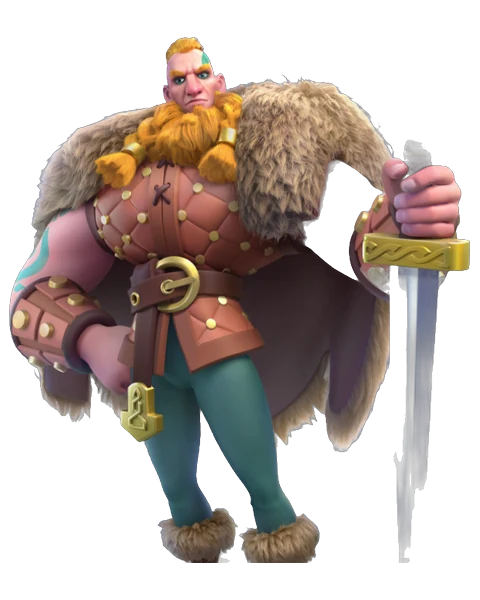
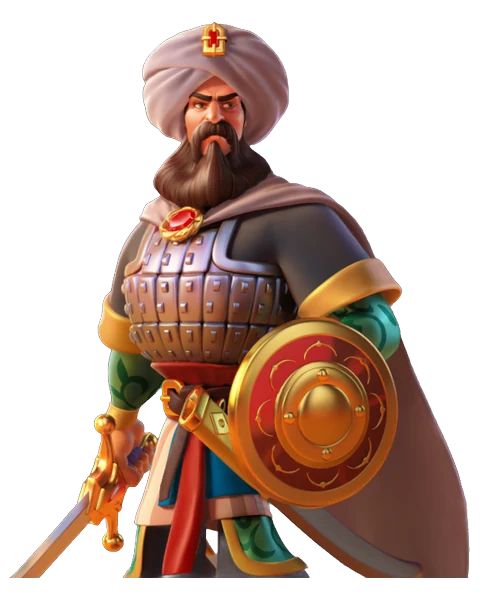
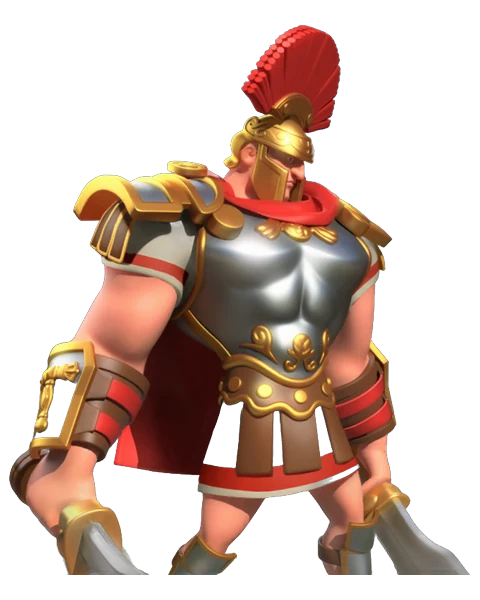
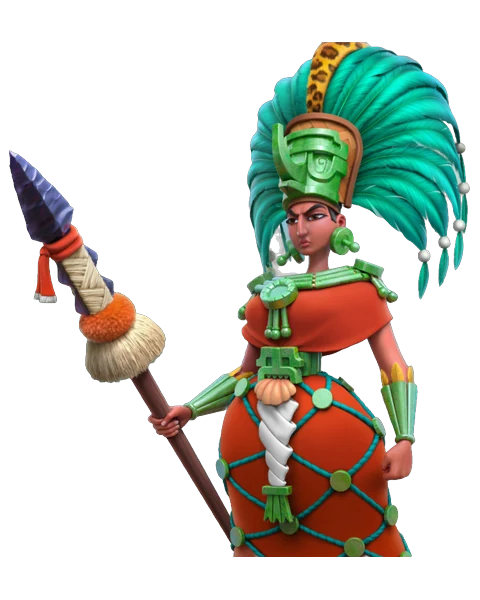
The game lists 15 civilizations (US App Store listing, Oct 30, 2026). Each one gives a starting commander, a special tier-4 unit and three permanent perks; two are shown per card. There is no official ranking.
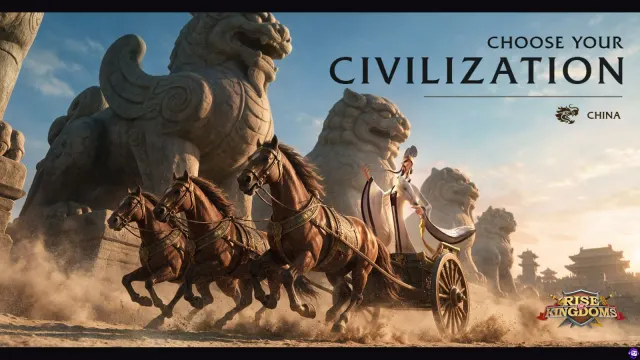
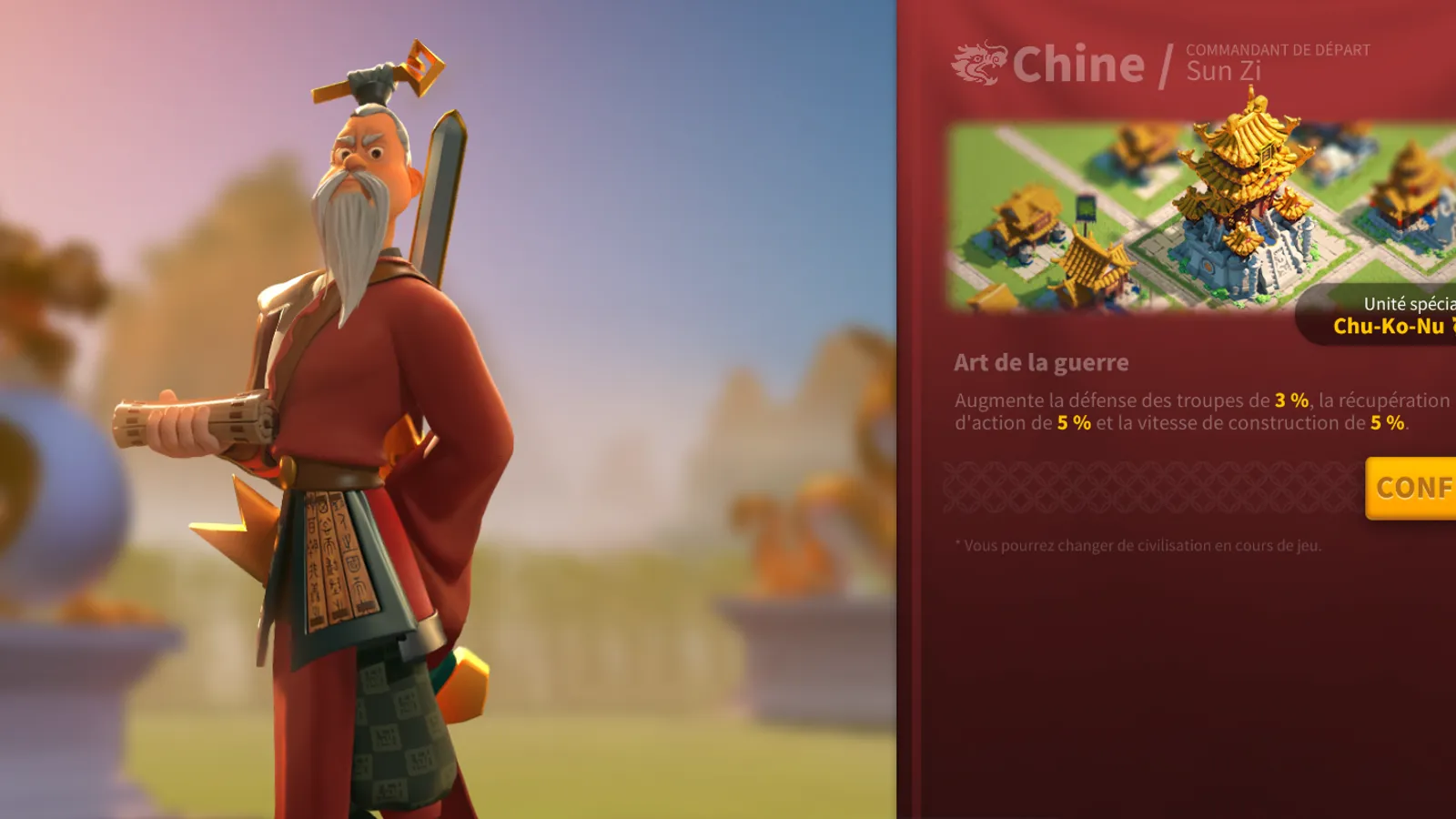
Flags: our screenshots of the civilization-selection screen (Oct 31, 2026). Perks: unofficial community wiki, checked Oct 30, 2026; commanders and special units match Wikipedia. Style = troop type of the special unit.
The first six are the commanders a new, free account can actually build, as named by dated third-party sources (no official ranking exists). The others are the starting commanders of each civilization, as shown in the game.
Commanders / 01
Sun Tzu
Epic · China
InfantryGarrisonSkill
China's starting commander; named an accessible early pick by TopUpLive
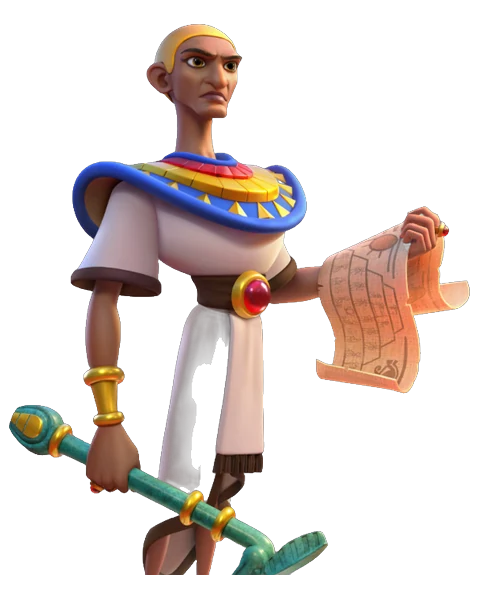
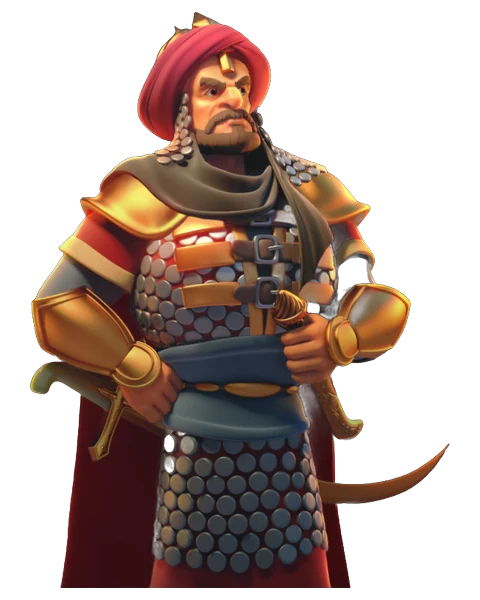
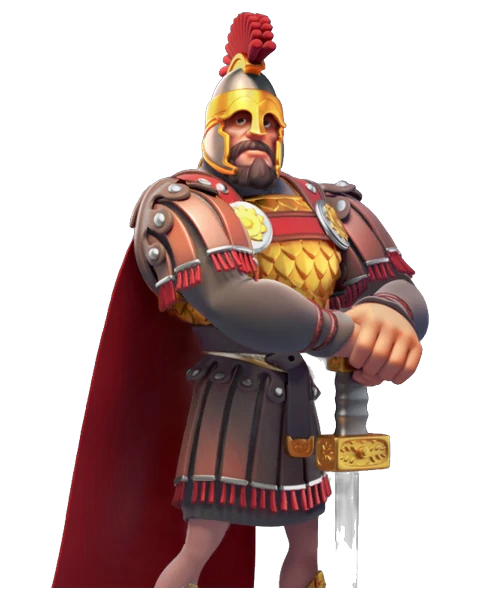
Portraits: our screenshots of the game (Oct 31, 2026). Rarity and talent trees: unofficial community wiki (Commanders pages), checked Oct 31, 2026; no wiki page found for the talents of Pericles, Wak Chanil Ajaw and Imhotep. Picks: TopUpLive (Aug 14, 2026), Rise of Kingdoms Guides (Oct 1, 2026), community wiki.
Practical Rise of Kingdoms guides for a new account: which civilization to start with, what to do in your first week, which commanders a free player should build, and how to move your city between phone and PC. Each one is built from the store listings, the community wiki and dated guides, all linked.
Rise of Kingdoms against the strategy games players weigh it against: PC routes, age ratings by country and how each game sells random items, compared from their store listings.
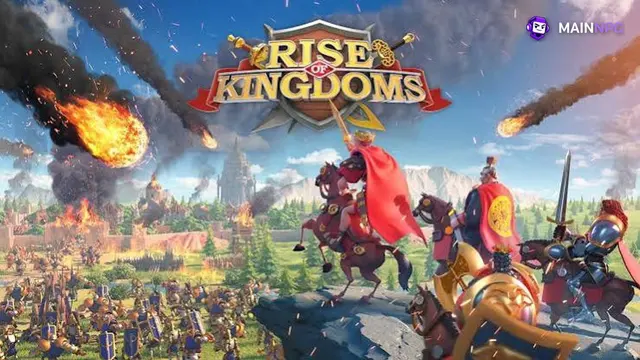
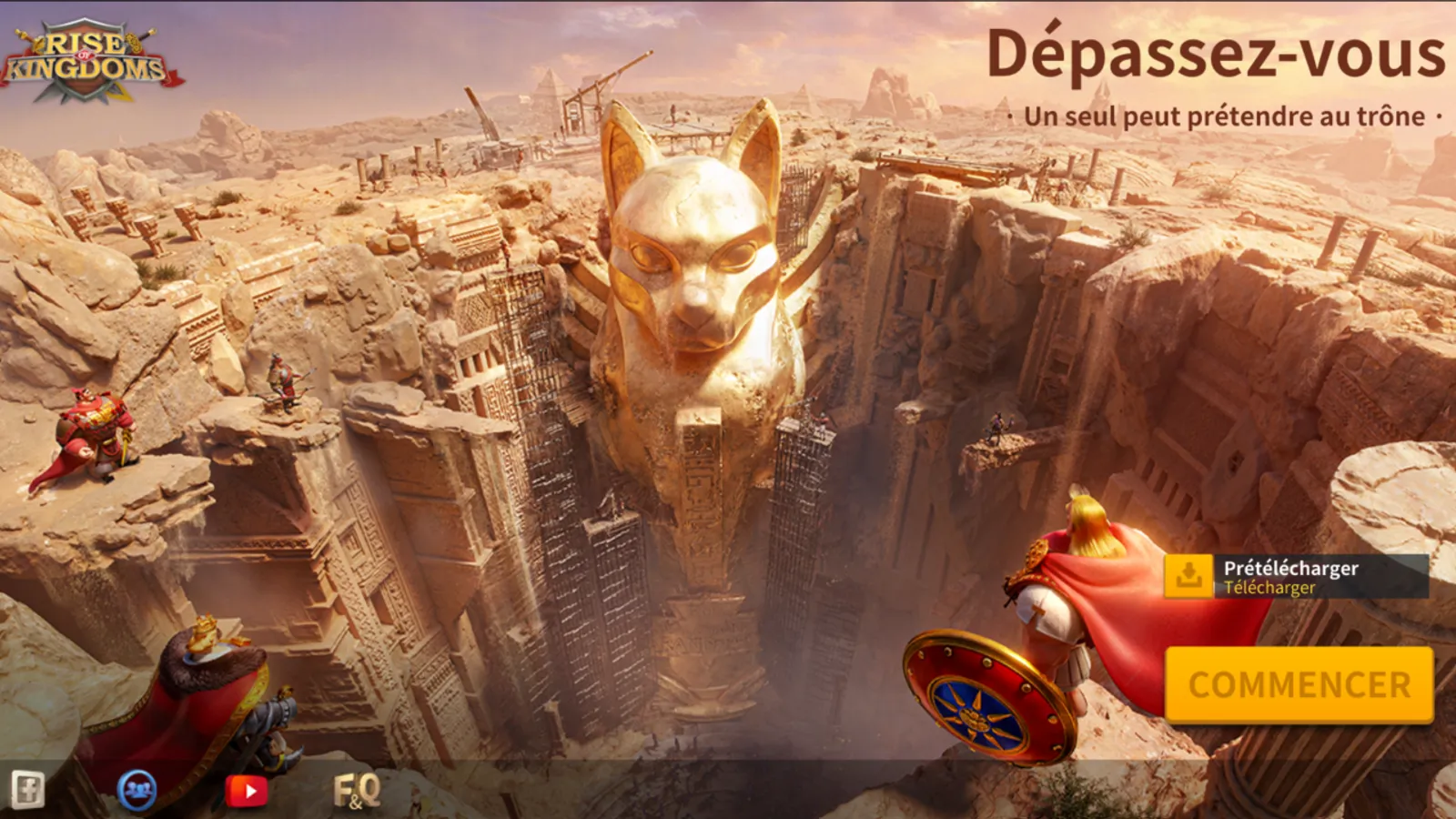
Our own screenshots and clips from the PC version (October 31, 2026), the official PC trailer, and official artwork from the publisher. Videos play only when you click them.
The Windows client, what your PC needs, what changes from the phone version, and what the store pages say about random-item purchases. Tested on our Windows PC for about five hours (October 31, 2026), with official sources checked on October 30, 2026.
Worth a look for adults who like slow, social strategy and can live with a store that sells random items. Skip it if you want a solo game, hate timers, or are under 18. Based on our five-hour PC session (October 31, 2026), official sources and third-party guides.
Tested on Windows PC · about 5 hours · Oct 31, 2026
Most "play it on PC" pages for mobile strategy games are really emulator pitches. Rise of Kingdoms does not need one: Lilith Games links its own Windows client and pitches the game as a real-time strategy MMO where you grow a historical civilization on a shared map. Here's the short version: playing it on PC is free, nothing needs an emulator, and your phone city can come with you. The game itself suits patient, social adults; the store, which sells random items, is the part to understand before you start.
This guide combines our own session on a Windows PC (about five hours, October 31, 2026) with the publisher's site, store listings, Lilith's press releases, critic reviews and third-party guides, all listed at the end. There is no score.
Our PC test
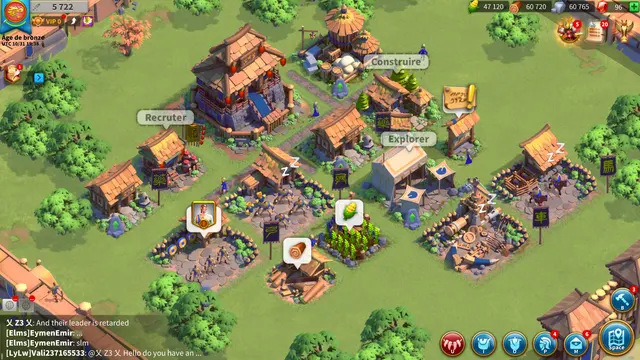
We played Rise of Kingdoms on a Windows PC for about five hours on October 31, 2026, through Lilith's own PC client. These are our observations, nothing more.
Game files. The PC launcher fetched about 5.37 GB of game files.
Start. We picked China, whose starting commander is Sun Tzu.
Progress. We reached City Hall level 10 easily within those five hours, without paying, and without being strong strategy players.
Performance. No slowdown and no bug during the whole session.
Keyboard and mouse. Very pleasant: control is fast, better than on a phone.
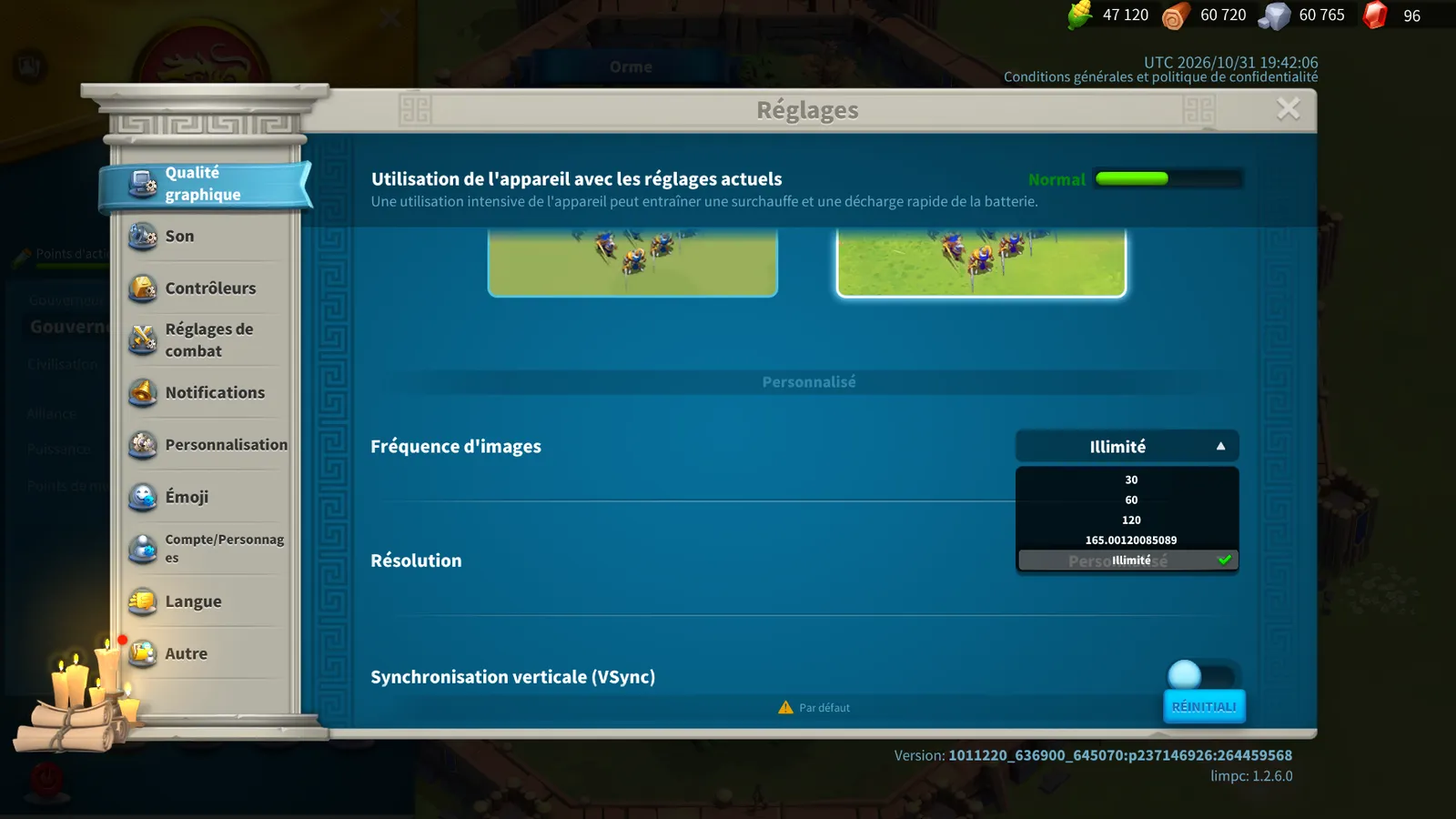
Graphics settings. The settings screen offers a frame-rate cap (30, 60, 120, the monitor's refresh rate, or unlimited), the resolution and vertical sync, with a device-load indicator that read "Normal" on our machine.
Paying. In our first five hours, we felt no pressure to pay; from what we saw, paying mainly speeds up leveling.
The Windows client is the one the publisher links: on October 30, 2026, the "Windows" button on rok.lilith.com linked straight to the PC client file. Rise of Kingdoms on PC means Windows: this guide covers the Windows client only.
How to play on PC, step by step
Source-first setup — no mirrors, no repacks
Take the game from its publisher only, such as the "Windows" button on rok.lilith.com; the buttons on this page lead to the Windows version. MainNPC hosts no game files.
Get the Windows version. The publisher's own source is the "Windows" button on rok.lilith.com; the buttons on this page lead to the Windows version. Skip mirror sites, "modded" builds and repacks from third-party sites: the publisher does not link to any of them.
Link your account before you build. If you already have a city on a phone, make sure it is linked to a login you can reuse on PC before you open the client. In short: bind your account before you switch devices, not after.
Pick a kingdom on purpose. The App Store listing describes each kingdom as a shared map where players compete to shape its history, so where you settle decides who you play with. Choose with intent.
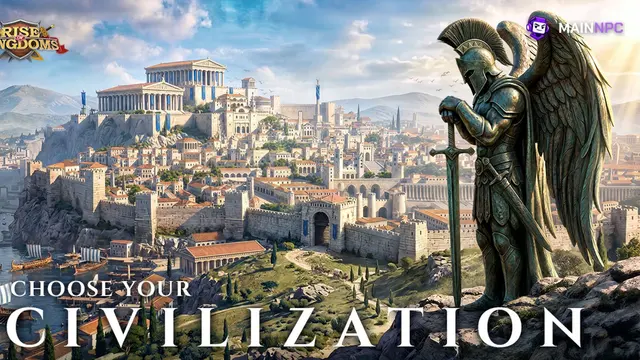
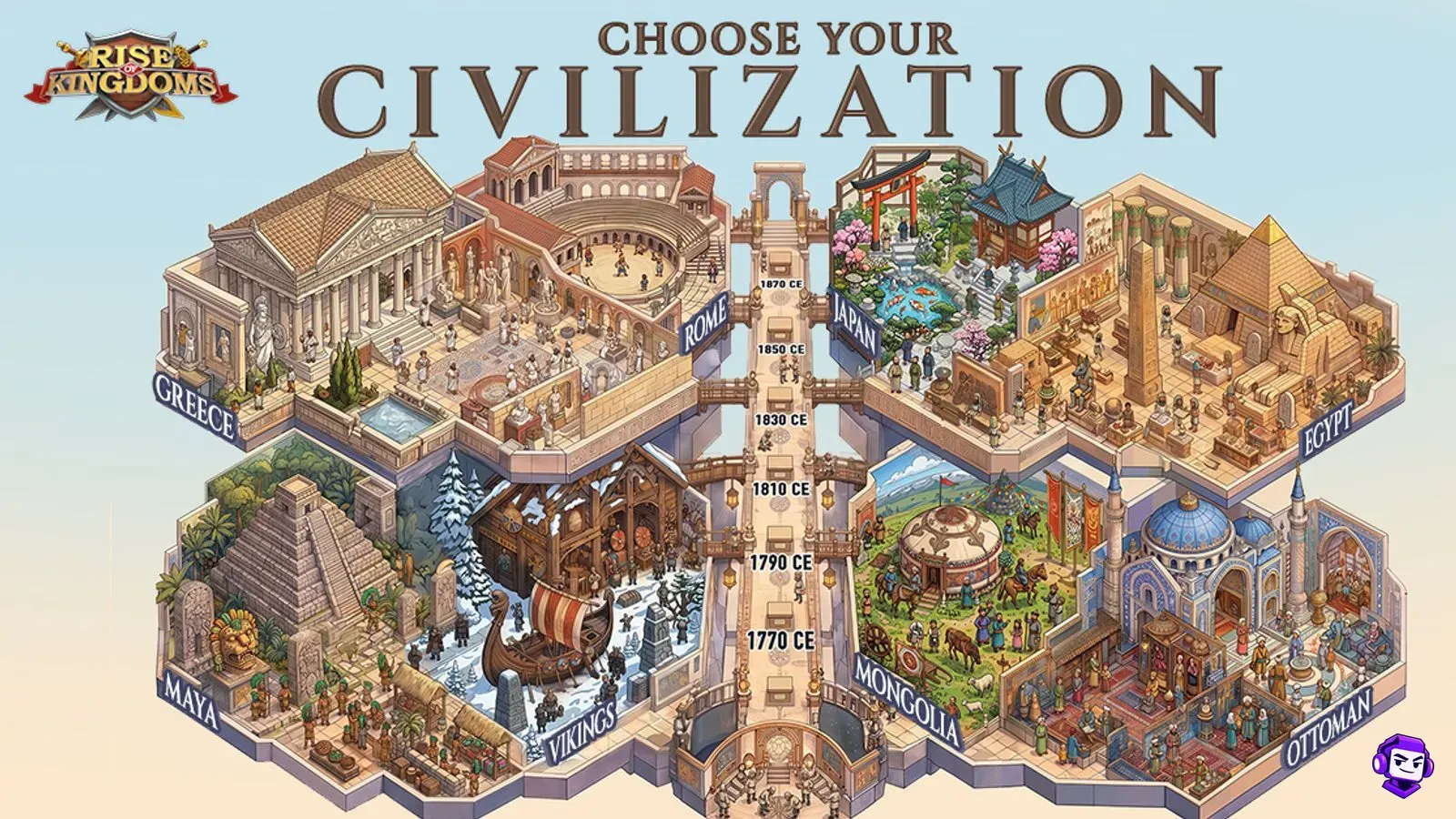
Choose a starting civilization. The App Store listing counts 15 historical civilizations, each with its own architecture, units and advantages. If you are unsure, weigh which starting civilization suits a new account before you tap.
Keep the client current. Rise of Kingdoms is a live game: version 1.1.12.20 reached the App Store on September 22, 2026, and an out-of-date client is the first thing to rule out when something breaks.
Quest unlocked: play Rise of Kingdoms on PC. Check the requirements below first.
rok.lilith.com lists no system requirements for Lilith's Windows client (checked October 30, 2026). The only official minimums come from Google Play Games on PC; for the Lilith client, we show what a third-party guide reports.
Spec
Google Play Games on PC
Lilith Windows client (reported)
Who publishes it
Google Play listing
Perfcore, third-party guide
OS
Windows 10 (v2004)
Windows 10 or higher
CPU
4 physical cores
Not listed
GPU
Intel UHD Graphics 630 or comparable
DirectX 11-compatible GPU
RAM
8 GB
8 GB (16 GB recommended)
Storage
SSD with 10 GB free
5 GB free
Other
Windows admin account; hardware virtualization turned on
Not listed
Google Play Games minimums checked Oct 30, 2026. Lilith client figures from perfcore (May 17, 2026), not confirmed by Lilith.
The binding constraint is virtualization. Google Play Games on PC requires hardware virtualization to be turned on, and on some machines that is a BIOS or UEFI setting. The reported figures for Lilith's client do not list that requirement.
PC vs phone: what changes
On paper, it is the same game on a bigger screen. Lilith's June 28, 2022 press release states that "true cross-platform functionality is now deployed for all platforms." One city, several devices.
In practice, three things are worth knowing:
The account matters more than the device. Your progress follows your login, which is why step 2 comes before anything else.
One device at a time. A third-party guide (perfcore, May 2026) reports that only one device can be active per account and that launching on a second device signs the other one out. Lilith has not confirmed it on any page we could read.
The route changes the sync. Lilith's client is the cross-platform route the publisher describes; the Google Play Games listing itself warns that sync "might not be available for this game."
A mouse and a large monitor make a dense map easier to read. That is the whole pitch.
What the first sessions look like
Our own first five hours are summed up in "Our PC test" above; this section draws on the store description and a named third-party guide.
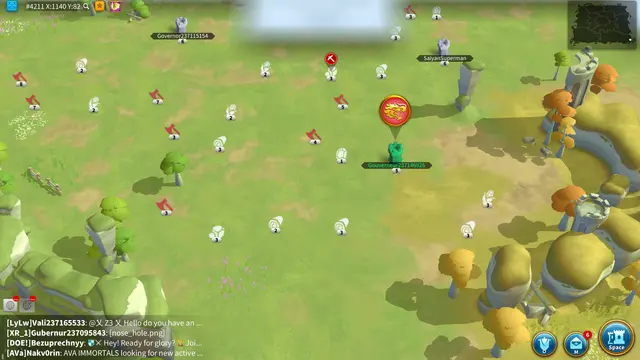
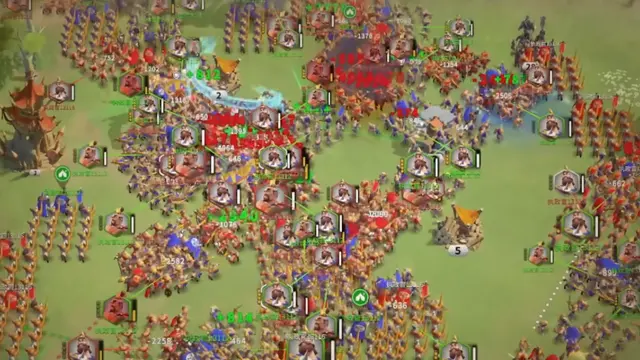
What the game says you will do. According to the App Store listing, you choose one of 15 civilizations, send scouts to clear fog over temples, fortresses and caves, and fight in real-time battles on a single map where you can join or leave a fight at any time. Commanders are historical figures such as Julius Caesar and Sun Tzu, upgraded through a talent tree and skills. Alliances get chat with built-in translation, officer roles and map markers.
The mistakes guides warn about. BlueStacks' list of common beginner mistakes (November 29, 2024) includes researching military technology before economy, spending universal sculptures on commanders you will not keep, neglecting the Alliance Center, and wasting gems on low-value events. Order matters most early: plan your first seven days around the economy, and decide which commanders a free player should build first before you spend sculptures.
Free to play, with in-app purchases including random items. Windows PC only.
Is it really free? In-app purchases and random items
Here's the free-to-play math. The game costs nothing to start. On October 30, 2026, the US App Store's top in-app purchases ran from $0.99 to $19.99, including a "1050 Gem Pack" at $4.99, and Google Play US listed items from $0.29 to $499.99. The App Store adds "Contains Loot Boxes"; Google Play Games for PC lists "In-Game Purchases (Includes Random Items)" and "Contains ads", plus "Simulated Gambling" in the UK and New Zealand.
Critics were blunt in 2019: Jason Bennett (Arkansas Democrat-Gazette, 4/10) wrote that "all it really takes is a credit card with a high limit", and MMOHuts (2/5) called the monetization "greedy for the sake of greed." The open question is where spending actually changes results. If random items are new to you, how pity and random rewards work in other games is a useful primer. Set your limit before the first pack appears.
Who it's for, and who should skip it
Its store description centers on a shared map and alliances, which rewards a particular kind of player.
It suits you if: you like strategy that moves over weeks, you enjoy coordinating with an alliance, you can check in for short, regular sessions, and you are comfortable ignoring a store that sells random items.
Skip it if:
you are under 18 (Google Play rates it PEGI 18 in the UK, citing simulated gambling);
you want a self-contained solo game you can finish;
timers and waiting make you quit;
you know random-item purchases are hard for you to resist.
Stop playing NPC: Rise of Kingdoms on PC is free, linked from the publisher's own site, and the same city you would play on a phone, which makes it a sensible pick for adults who want a slow, social strategy game on a big screen. The cost is not the price tag; it is a store built on random items that critics panned in 2019.
Worth it if you want an alliance game you check daily and you set a firm spending limit on day one. Skip it if any line of the skip list above fits you.
This verdict combines our five-hour PC session on October 31, 2026 with official sources and third-party guides as of October 30, 2026.
How we built this guide
The "Our PC test" section reports only what we saw while playing on October 31, 2026. Every other fact was checked on October 30, 2026 against the sources listed under this article. Where rok.lilith.com publishes nothing, we used two third-party guides and say so in the text. Anything we could not confirm, such as a PC bonus code seen on reseller sites or a browser version of the game, is left out.
Free to play, with in-app purchases including random items. Windows PC only.
FAQ
Is Rise of Kingdoms free on PC?
Yes. It is free to play on Windows, with in-app purchases that include random items; the publisher's own site, rok.lilith.com, links the Windows client.
Can I use my phone account on PC?
Yes. Lilith announced on June 28, 2022 that cross-platform functionality was deployed for all platforms, so link your phone city to a reusable login before you sign in on PC.
Is there a Mac version?
Yes, through the Mac App Store. As of October 30, 2026, it requires macOS 11.0 or later and a Mac with an Apple M1 chip or later.
What PC do I need to play Rise of Kingdoms?
rok.lilith.com lists no requirements for Lilith's own client. Google Play Games for PC lists Windows 10 (v2004), 4 physical CPU cores, 8 GB of RAM, an Intel UHD Graphics 630-class GPU, 10 GB free on an SSD and hardware virtualization turned on.
Is the PC version safe to use?
The publisher's own source is the Windows button on rok.lilith.com; the buttons on this page lead to the Windows version. Avoid mirror sites, modded clients and repacks.
What is the age rating of Rise of Kingdoms?
It depends on the country and the store. On October 30, 2026, Google Play rated it PEGI 18 in the UK and 18+ in New Zealand, both citing simulated gambling, Everyone 10+ in the US and Canada, and Parental Guidance in Australia; the US App Store rated it 9+ with loot boxes. MainNPC treats it as a game for adults.
Cyrus Vale is the pen name of MainNPC's reviews desk. Reviews are built from official sources, patch notes, store data and documented player reports, all linked at the end of each article. Scores reflect value for a new player in the month of publication. How we research →
































 Setups